

Top Schema Markup Plugins for Better Google Visibility
Discover the best schema markup plugins of 2026 for better Google visibility, with real pricing, rich snippet support, and guidance on which plugin fits your site.
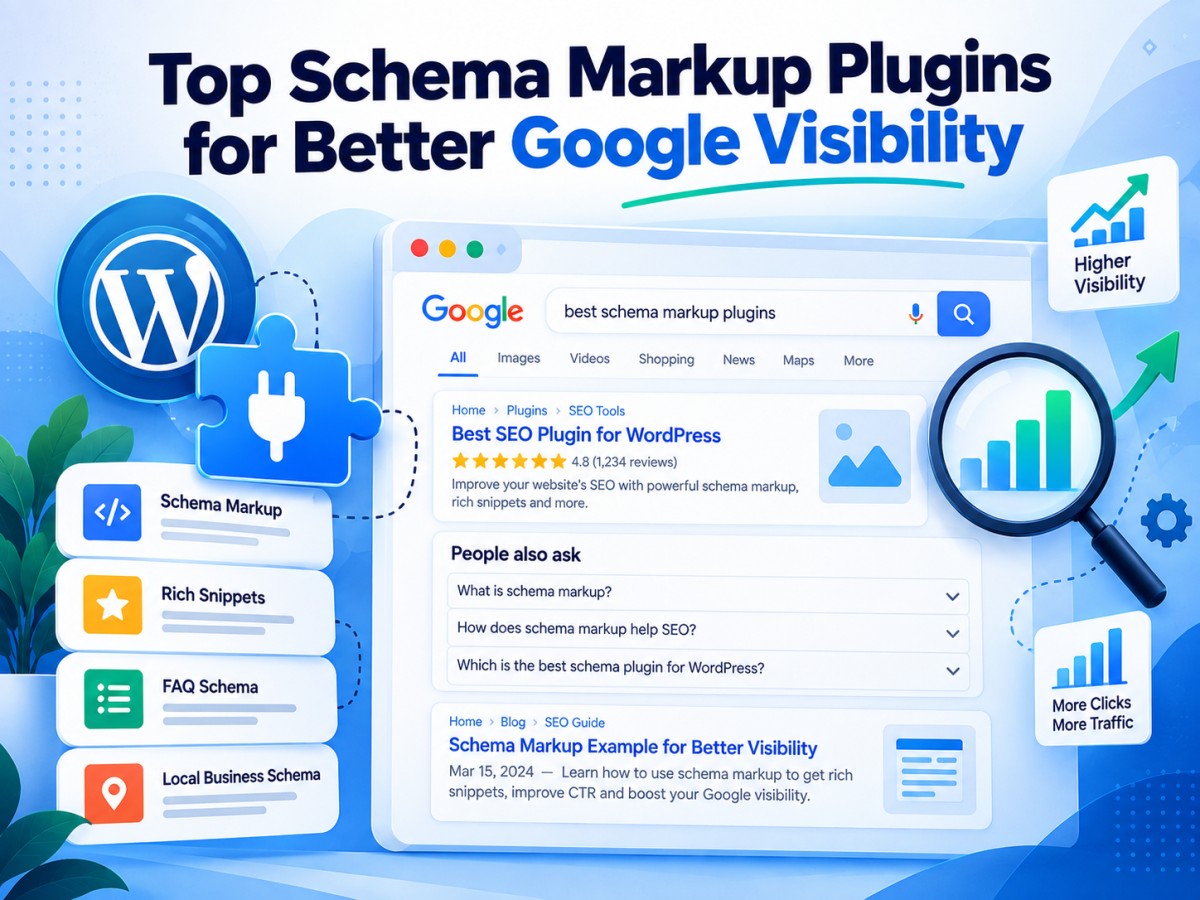
Table of Contents
-
1. Introduction: Why Schema Markup Still Moves the Needle
Two pages can target the exact same keyword, rank in roughly the same position, and still get wildly different click-through rates because one of them shows up in Google with star ratings, a price, an FAQ dropdown, or a recipe card, and the other is just a plain blue link. That visual difference is schema markup doing its job.
Schema markup is structured data you add to your pages so search engines can understand exactly what the content is a recipe, a product, a review, an event, a how-to guide, rather than guessing from unstructured text. Google uses that structured data to generate rich results: the star ratings, breadcrumb trails, FAQ accordions, and product details that make a listing stand out on a results page that's increasingly crowded with ads, AI Overviews, and competing organic results.
The problem is that writing JSON-LD schema by hand is tedious and easy to get wrong, and a single syntax error can mean Google ignores the markup entirely. That's exactly the gap schema plugins fill. The right one can get valid, search-engine-friendly structured data onto every page of your site without you touching a line of code.
This guide compares the strongest schema markup plugins available right now, with current pricing, so you can pick the one that actually fits your site rather than the one with the loudest marketing.
-
2. What Is Schema Markup, and Why Does Google Care?
Schema markup uses a shared vocabulary, schema.org that both humans and search engines can reference. When you mark up a recipe with ingredients, cook time, and a rating, or a product with price and availability, you're giving Google a machine-readable version of information that would otherwise only exist as plain text on the page.
Google doesn't guarantee that valid markup will produce a rich result, but it significantly increases the odds, and rich results consistently pull higher click-through rates than standard listings because they give searchers more information before they even click. In 2026, structured data has taken on an additional role too: AI Overviews and AI-powered search assistants increasingly draw on well-structured, clearly labelled content when deciding what to cite, which makes clean schema markup relevant to both traditional and AI-driven search visibility.
-
3. What to Look For in a Schema Plugin
Not every schema plugin is built the same way, and the differences matter more than they first appear:
- Number and type of schemas supported. Article and Organization schema are table stakes; check whether the plugin also covers Product, Recipe, Event, FAQ, HowTo, and Review schema if your content needs them.
- Automation vs. manual control. Some plugins auto-generate schema site-wide based on content type; others require you to manually configure markup on every page. Automation saves time; manual control gives precision.
- Validation and error checking. A good plugin flags broken or incomplete schema before it goes live, rather than letting invalid JSON-LD sit on your site unnoticed.
- Conflict handling. If you're running an SEO plugin and a separate schema plugin together, duplicate schema markup can confuse search engines. Check for built-in conflict detection.
- Gutenberg/block editor support. Native blocks for FAQ or HowTo schema make implementation faster for non-technical users.
- Price at scale. Many schema plugins are priced per site, which adds up quickly for agencies managing multiple client sites, check whether multi-site or agency licensing is available.
-
4. Top Schema Markup Plugins in 2026 (With Pricing)
-
1. Rank Math
Rank Math bundles advanced schema controls inside a full SEO plugin, and its free version is unusually generous — supporting over a dozen schema types including Article, Product, Recipe, FAQ, and Review without requiring an upgrade. The Pro version adds custom schema templates, richer local SEO schema, and multi-site usage.
Price: Free version available; Pro plans start around $6.99/month (billed annually, roughly $59/year). Best for: Sites that want schema markup built into a complete SEO toolkit rather than a standalone plugin.
-
2. Schema Pro
Schema Pro (by Brainstorm Force) is a dedicated, standalone schema automation tool with one focused job: apply valid, well-structured JSON-LD schema across your site automatically, based on content type. It supports over 20 schema types and requires no manual coding.
Price: $69/year or $229 as a one-time lifetime license, both covering unlimited websites. Best for: Agencies and freelancers managing multiple WordPress sites who want set-and-forget schema automation.
-
3. All in One SEO (AIOSEO)
AIOSEO combines a full SEO suite with a built-in schema generator that covers common types like Article, Product, Recipe, and FAQ, plus a visual schema builder for custom markup. The free version includes basic schema support.
Price: Free version available; Pro plans start at $49.50/year for a single site. Best for: Users who want schema markup alongside on-page SEO, sitemaps, and technical SEO tools in one plugin.
-
4. Yoast SEO
Yoast is one of the most recognised names in WordPress SEO, and its schema implementation works quietly in the background, generating structured data for articles, breadcrumbs, and organization details automatically as part of its core SEO framework.
Price: Premium version starts at $99/year. Best for: Sites already using Yoast for broader SEO management that want schema handled automatically without a separate plugin.
-
5. Schema & Structured Data for WP & AMP
Built by Magazine3, this plugin punches well above its free price tag, supporting more than 35 schema types including Article, Review, Event, Recipe, and Job Posting, alongside Gutenberg blocks and full AMP compatibility.
Price: Free version available (100,000+ active installs); Premium starts at $99/year. Best for: Sites that need a wide range of schema types without paying for a premium plugin upfront.
-
6. SEOPress
SEOPress is a lightweight, affordable SEO plugin with solid technical depth, including schema markup support for Articles, Products, Local Business, and FAQ content, built into its broader feature set.
Price: Free version available; Premium starts at $49/year for one site. Best for: Budget-conscious users who want deep technical SEO features, including schema, without the higher price of bigger-name plugins.
-
7. Schema App Structured Data
Schema App takes a different approach from most plugins on this list, rather than just adding markup, it's built around managing schema at scale across large or complex websites, with a health-check feature that monitors markup quality over time. The WordPress plugin is free; its full capability lives in a broader enterprise SaaS platform.
Price: Free base plugin; premium single-site licenses from around $59, with custom enterprise pricing for larger implementations. Best for: Large or enterprise sites that need ongoing schema management and quality monitoring, not just one-time setup.
-
8. WP SEO Structured Data Schema
A straightforward, no-frills plugin that covers Organization, Local Business, News Article, Product, Video, and Review schema, aimed at site owners who want manual, page-by-page control rather than full automation.
Price: Free version available; Pro version starts around $49/year, adding auto-fill and custom post type support. Best for: Users who prefer granular, manual schema control over automated, site-wide generation.
-
9. WP Tasty Recipes
A niche but highly effective choice for food bloggers, WP Tasty Recipes generates properly formatted Recipe schema automatically, including ratings, cook time, and nutrition information, directly from your recipe card content.
Price: $49/year. Best for: Food and recipe blogs that need accurate, dedicated Recipe schema without configuring it manually.
-
10. Review Schema
A focused plugin for one job: adding Review and AggregateRating schema to generate the star ratings searchers see directly in Google results. It skips the broader schema catalogue in favour of doing reviews well.
Price: Free version available; Premium starts at $35/year. Best for: Affiliate marketers and bloggers on a budget who only need review and star-rating schema.
-
-
5. Quick Price Comparison Table
Plugin Free Version? Starting Premium Price Rank Math Yes (generous) ~$6.99/month (~$59/year) Schema Pro No $69/year or $229 lifetime AIOSEO Yes $49.50/year Yoast SEO Yes $99/year Schema & Structured Data (Magazine3) Yes $99/year SEOPress Yes $49/year Schema App Structured Data Yes From $59/site (custom enterprise pricing) WP SEO Structured Data Schema Yes ~$49/year WP Tasty Recipes No $49/year Review Schema Yes $35/year Prices are accurate at the time of writing and may change, always confirm current rates on each provider's official website before purchasing.
-
6. How to Choose the Right Plugin for Your Site
If you're running a general blog or small business site and want schema handled with minimal effort, Rank Math or AIOSEO are strong starting points since both bundle schema into a complete SEO toolkit you likely need anyway.
If you want a dedicated, standalone schema tool that does one job thoroughly across an entire site, Schema Pro's automation and 20+ schema types make it worth the yearly cost, especially for agencies managing several client sites under one lifetime license.
If you're running a recipe or food blog, WP Tasty Recipes will save far more time than a general-purpose schema plugin, since it's purpose-built for that exact content type.
If your priority is review and star-rating snippets specifically — common for affiliate and product-review sites — Review Schema does that one job without the overhead of a full schema suite.
For large, enterprise-scale sites, Schema App's ongoing monitoring and health-check features matter more than they would on a small site, where errors are easy to catch manually.
-
7. Final Thoughts
Schema markup has quietly become one of the highest-leverage, lowest-effort SEO improvements available, because it directly affects how your listings look in results that are more crowded and competitive than ever. The right plugin depends far less on which one has the longest feature list and far more on what your site actually publishes, recipes, products, reviews, FAQs, or general articles.
Start with whatever SEO plugin you already have, since most now include solid schema support out of the box. Only reach for a dedicated plugin like Schema Pro, Schema App, or a niche tool like WP Tasty Recipes once your content needs outgrow what your general SEO plugin can handle.
Frequently Asked Questions
What's Your Reaction?
 Like
0
Like
0
 Dislike
0
Dislike
0
 Love
0
Love
0
 Funny
0
Funny
0
 Wow
0
Wow
0
 Sad
0
Sad
0
 Angry
0
Angry
0

A spirit that pursues sunsets and tales. Entrepreneur at heart, globe-trotter by soul. Founder of an art-worshiping jewelry brand that embodies emotion & individuality — where each piece is a tale of culture, craft, and character. From trails up mountains to gem markets, I'm inspired by all journeys — transforming wanderlust into enduring design. Establishing a brand built on authenticity, refinement & purpose — one work at a time.















Comments (0)