

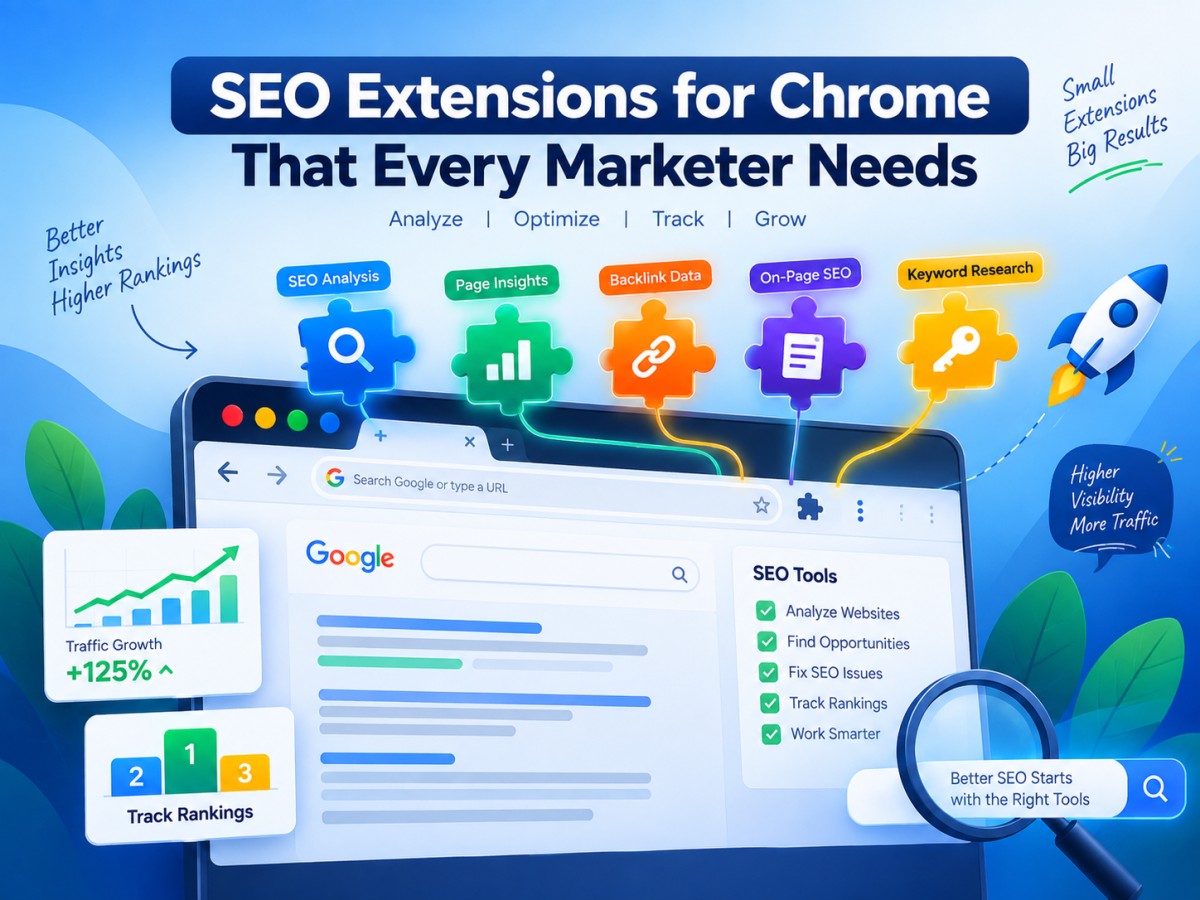
SEO Extensions for Chrome That Every Marketer Needs
Discover the best SEO Chrome extensions every marketer needs in 2026, from free on-page checkers to premium keyword tools, complete with pricing and practical use cases.
-
1. Introduction: Why Your Browser Is an SEO Tool
Most SEO work doesn't happen inside a dashboard. It happens while you're browsing, checking a competitor's title tag, glancing at a domain's authority before a link outreach email, or spotting a redirect chain that's quietly bleeding link equity. For all of that, opening a full SEO platform every time is overkill. This is exactly the gap Chrome extensions fill.
A good SEO extension turns your browser itself into a lightweight analysis tool. Instead of copying a URL into a separate app, you get metrics, meta data, and keyword insights layered directly onto the page or search results you're already looking at. For marketers juggling content, outreach, technical audits, and competitor research in the same afternoon, that speed adds up.
The catch is that the Chrome Web Store is crowded with SEO extensions, and not all of them are worth the browser real estate. Some duplicate data you can already get from Google Search Console for free. Others gate their genuinely useful features behind subscriptions the listing doesn't make obvious. This guide cuts through that, covering the extensions that consistently earn a permanent spot in a marketer's toolbar, along with exactly what they cost.
-
2. What to Look For in an SEO Extension
Before installing anything, it helps to know what separates a genuinely useful extension from browser clutter:
- Does it work without an account? Some tools, like Detailed SEO Extension, work instantly. Others require a free account signup before they'll show any data.
- Is the free tier actually useful, or just a teaser? A few extensions show one or two metrics for free and gate everything meaningful behind a paid plan.
- Does it slow your browser down? Extensions that inject data onto every single search result page can add noticeable load time, especially when you're running several at once.
- Is the data current? Domain authority metrics, keyword volumes, and backlink counts are only useful if they're refreshed regularly — stale data can send you chasing the wrong opportunities.
- Does it duplicate a tool you already pay for? If you already have a Semrush or Ahrefs subscription, their browser extensions often unlock more value than a separate freemium tool would.
A practical rule worth following: keep your active extension stack to three or four tools. Running six or more SERP-overlay extensions simultaneously can noticeably slow down how quickly Google search results load.
-
3. The Best SEO Chrome Extensions in 2026 (With Pricing)
1. MozBar
MozBar has been a staple in SEO browser toolbars for years, and its core appeal hasn't changed: it overlays Domain Authority (DA) and Page Authority (PA) directly onto Google search results and any page you visit. That makes it genuinely useful for link-building research, you can judge at a glance whether a site is worth pursuing for a backlink without running a full audit. It also lets you highlight on-page elements like headings, meta tags, and links.
Price: Free to install and use for DA/PA overlays. Deeper data (keyword difficulty, page optimisation scores, full SERP metrics) requires a Moz Pro subscription, starting at $49/month ($39/month billed annually). Best for: Quick authority checks before outreach or link building.
2. SEOquake
Built by Semrush, SEOquake adds a dense but genuinely useful panel of SEO metrics to any page or SERP, including on-page audits, keyword density analysis, and internal/external link checks, with CSV export for quick reporting. The core feature set is free and stands on its own without needing a paid account.
Price: Free; advanced data (deeper competitive metrics) requires a Semrush account, with plans starting at $139.95/month. Best for: Quick competitor SERP analysis and on-page audits without leaving the search results page.
3. Keywords Everywhere
Keywords Everywhere overlays search volume, cost-per-click (CPC), and competition data directly onto Google results for any term you search. It also surfaces related keywords and long-tail variations pulled from "People Also Ask" and similar-search features, which makes it useful for both PPC research and content planning.
Price: Credit-based pricing starting at roughly $1.25/month equivalent, or $10 for 100,000 credits (credits don't expire). Best for: Fast keyword volume and CPC checks during content or PPC research.
4. Ahrefs SEO Toolbar
Ahrefs' free browser toolbar shows Domain Rating, URL Rating, and backlink counts for any page, along with on-page SEO checks like broken link detection, redirect tracing, and structured data validation. It's built on the same index that powers the full Ahrefs platform, so the data quality tends to be reliable even at the free tier.
Price: Free with an Ahrefs account. Full platform access (for deeper backlink and keyword data) starts at $99/month on the Lite plan. Best for: Technical SEO diagnostics and backlink authority checks on the fly.
5. Detailed SEO Extension
Detailed is arguably the most universally recommended free SEO extension available right now, and for good reason, it requires no account at all and instantly surfaces meta tags, heading structure, canonical tags, and schema markup for any page you're on. For a quick on-page QA check before publishing content, it's hard to beat.
Price: Completely free, no account required. Best for: Fast on-page audits and pre-publish QA checks.
6. Keyword Surfer
Built by the team behind Surfer SEO, Keyword Surfer overlays search volume and estimated traffic data directly onto Google results, along with a free article outline generator based on top-ranking pages for a given query. Even without upgrading to the paid Surfer SEO platform, the free version is a genuinely capable standalone tool.
Price: Free. Best for: Content writers doing quick keyword and outline research without switching tabs.
7. Redirect Path
A narrower but essential tool: Redirect Path traces the full chain of HTTP redirects and status codes for any URL, which makes it invaluable for diagnosing broken migrations, redirect loops, or link equity lost through unnecessary hops. It sits quietly in the toolbar until you need it, adding no overhead to everyday browsing.
Price: Free. Best for: Debugging redirect chains during site migrations or technical audits.
8. GrowthBar
GrowthBar packages several premium-feeling features — backlink data, Google Ads keyword research, organic keyword tracking, and AI-assisted content outlines into a single extension aimed particularly at small agencies and solo marketers who want more than a free tool offers without paying for an enterprise suite.
Price: From $29/month, with a 5-day free trial. Best for: Small agencies and bloggers wanting an all-in-one extension without a big platform subscription.
9. Ubersuggest Chrome Extension
Ubersuggest's extension overlays keyword and volume data across Google, YouTube, and Amazon search results, which makes it especially useful for ecommerce marketers researching product-related search terms across multiple platforms. The free tier includes 40 searches per day, which covers most casual research needs.
Price: Free (40 searches/day); upgrading to paid Ubersuggest unlocks unlimited overlay data plus the full platform (rank tracking, site audit, backlink analysis) from $29/month. Best for: Ecommerce marketers researching across Google, YouTube, and Amazon in one workflow.
10. SimilarWeb
SimilarWeb's extension shows estimated traffic volume, top traffic sources, and audience geography for any website you visit, useful for quickly sizing up a competitor or a potential partner site before deeper research. It's less about on-page SEO and more about competitive and market intelligence.
Price: Free extension tier with core traffic estimates; full platform pricing is quote-based for teams needing deeper data exports. Best for: Quick competitive traffic checks and partner or outreach vetting.
-
4. Quick Price Comparison Table
Extension Extension Cost Paid Platform (if applicable) Detailed SEO Extension Free — Redirect Path Free — Keyword Surfer Free Surfer SEO (separate pricing) Ahrefs SEO Toolbar Free (account required) From $99/month SEOquake Free Semrush from $139.95/month MozBar Free Moz Pro from $49/month ($39 annual) Ubersuggest Extension Free (40 searches/day) From $29/month SimilarWeb Free tier Quote-based Keywords Everywhere From ~$1.25/month equivalent Credit-based, $10 per 100,000 credits GrowthBar — From $29/month (5-day free trial) Prices are accurate at the time of writing and may change, always confirm current rates on each provider's official page before purchasing.
-
5. Building the Right Extension Stack for Your Role
If you're a beginner or solo marketer: Keywords Everywhere + Ahrefs SEO Toolbar + Detailed SEO Extension covers keyword data, backlink context, and on-page checks without overwhelming your browser or your budget.
If you're a content writer: Keyword Surfer + Detailed SEO Extension + Redirect Path gives you keyword research, on-page QA, and a way to catch technical issues before a piece goes live.
If you're doing technical SEO: Ahrefs SEO Toolbar + Detailed SEO Extension + Redirect Path forms a fast, no-nonsense diagnostic stack for auditing any page in seconds.
If you're running an agency: SEOquake + MozBar + SimilarWeb covers SERP analysis, authority checks, and competitive traffic intelligence, useful across audits, prospecting, and client reporting simultaneously.
-
6. A Word on Browser Performance
It's worth being deliberate rather than installing every extension on this list at once. Extensions that automatically inject data onto every Google search result — like SEOquake, MozBar, and Keywords Everywhere running together — can noticeably slow down how fast your search results load, particularly on older machines. Technical, on-demand tools like Redirect Path or Detailed sit dormant until you click them, so they add negligible overhead. A practical approach is to keep two or three always-on overlay tools active, and reach for on-demand ones only when you actually need them.
-
7. Final Thoughts
The best SEO Chrome extension stack isn't the longest one — it's the one that matches what you actually do day to day. A content writer doesn't need the same tools as a technical SEO specialist, and an agency juggling multiple clients has different priorities than a solo blogger. Start with two or three free extensions that cover your core workflow, and only add a paid tool once you've hit a genuine limitation a free one can't solve.
Installed thoughtfully, these extensions won't just save you time, they'll quietly make your SEO instincts sharper, because the data you need is sitting right there on the page, every time you look.
Frequently Asked Questions
What's Your Reaction?
 Like
0
Like
0
 Dislike
0
Dislike
0
 Love
0
Love
0
 Funny
0
Funny
0
 Wow
0
Wow
0
 Sad
0
Sad
0
 Angry
0
Angry
0

A spirit that pursues sunsets and tales. Entrepreneur at heart, globe-trotter by soul. Founder of an art-worshiping jewelry brand that embodies emotion & individuality — where each piece is a tale of culture, craft, and character. From trails up mountains to gem markets, I'm inspired by all journeys — transforming wanderlust into enduring design. Establishing a brand built on authenticity, refinement & purpose — one work at a time.














Comments (0)