

Best Free SEO Tools That Deliver Professional Results
Discover the best free SEO tools of 2026 that deliver real, professional-grade results, from keyword research to technical audits, including full pricing breakdowns for every tool's paid tiers.
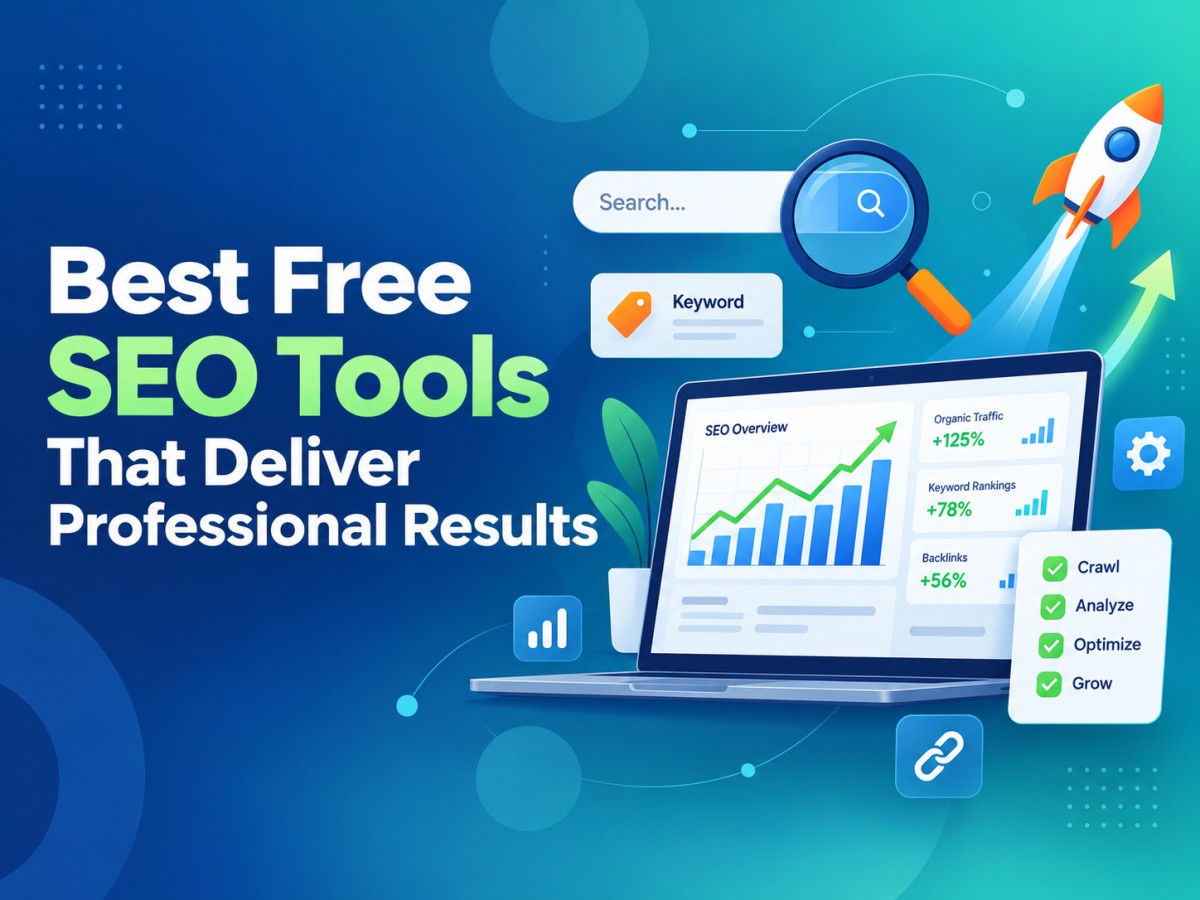
Table of Contents
- 1. Introduction: Do You Really Need to Pay for SEO Tools?
- 2. Google Search Console
- 3. Google Analytics 4
- 4. Google Keyword Planner
- 5. Ahrefs Webmaster Tools
- 6. Screaming Frog SEO Spider
- 7. Yoast SEO
- 8. Ubersuggest
- 9. Mangools (KWFinder Suite)
- 10. AnswerThePublic
- 11. MozBar and Moz Free Tools
- 12. Google PageSpeed Insights
- 13. Bing Webmaster Tools
- 14. Building Your Free SEO Stack
-
1. Introduction: Do You Really Need to Pay for SEO Tools?
There's a persistent myth in digital marketing that meaningful SEO results require an expensive software stack, Ahrefs at hundreds of dollars a month, Semrush's enterprise plans, Moz's premium suite. For agencies managing dozens of client accounts, those tools absolutely earn their keep. But for solo bloggers, small business owners, freelancers, and anyone just getting serious about search visibility, the truth is simpler: a genuinely free toolkit can get you 80-90% of the way there.
The tools on this list aren't watered-down trial versions designed purely to funnel you into a paid plan (though some do offer optional upgrades). They're tools that professionals actually use daily, free of charge, because the free tier is built on real, full-resolution data rather than a stripped-down sample. Below is a complete breakdown of each tool, what it does, and exactly what it costs if you ever decide to upgrade.
-
2. Google Search Console
Price: Free forever — no paid tier exists.
Google Search Console (GSC) is the single most important free SEO tool available, because it comes directly from the source. It shows you exactly which queries are driving impressions and clicks to your site, your average position for each keyword, indexing status, mobile usability issues, and technical errors like broken structured data or crawl problems.
There is no premium version of GSC, Google has never monetised it, and there's no indication it plans to. It's foundational software that every other tool on this list is, in one way or another, built to supplement.
-
3. Google Analytics 4
Price: Free forever for standard use. Google Analytics 360 (enterprise tier) is priced individually via sales contract, typically starting well into five figures annually, but is irrelevant for the vast majority of websites.
GA4 tracks user behaviour once visitors land on your site, where they came from, what they clicked, how long they stayed, and where they dropped off. Paired with Search Console, it completes the picture: GSC tells you how people found you, GA4 tells you what they did next. For 99% of websites, the free version has no meaningful limitations.
-
4. Google Keyword Planner
Price: Free with a Google Ads account (no ad spend required to access search volume data, though ranges become broader without active campaigns).
Originally built for advertisers, Keyword Planner remains one of the most reliable sources of search volume data because it comes straight from Google's own systems rather than a third-party estimate. You can generate keyword ideas from a seed term or a competitor's URL, and filter by location, language, and device. The main trade-off is that without an active ad campaign, exact volumes are shown as ranges rather than precise numbers still useful for prioritisation, just less granular.
-
5. Ahrefs Webmaster Tools
Price: Free for verified site owners. Paid Ahrefs plans (for competitor research) start at $29/month (Starter), rising to $129/month (Lite), $249/month (Standard), $449/month (Advanced), and $1,499/month (Enterprise).
Ahrefs Webmaster Tools (AWT) is arguably the best free upgrade any website owner can make. Once you verify ownership of your domain, you get access to a full Site Audit crawl, backlink data via Site Explorer, and Ahrefs' privacy-friendly Web Analytics, all powered by the same database used in Ahrefs' expensive paid plans. The catch is that AWT only covers domains you own; researching competitors requires a paid subscription.
-
6. Screaming Frog SEO Spider
Price: Free for crawls up to 500 URLs. The paid licence is £199/year (approximately $279/year), with bulk discounts bringing the per-licence cost down to roughly $235–265/year for larger purchases.
Screaming Frog is desktop crawling software that technical SEOs rely on to find broken links, duplicate title tags, missing meta descriptions, redirect chains, and crawl errors across a site. The free version's 500-URL cap is genuinely usable for most small business sites and blogs; anything larger will need the paid licence, which is billed annually with no monthly option.
-
7. Yoast SEO
Price: Free WordPress plugin. Yoast SEO Premium costs $118.80/year per site (excluding VAT, so EU and UK buyers pay a higher final price).
For WordPress users, Yoast remains the standard on-page SEO plugin. The free version handles meta title and description editing, XML sitemap generation, basic readability analysis, and canonical URL control — everything a small site genuinely needs. Premium adds redirect management, internal linking suggestions, and multiple focus keyphrases per page, which becomes more valuable as a site scales past a few dozen pages.
-
8. Ubersuggest
Price: Free with daily search limits. Paid plans start at $29/month.
Created by Neil Patel, Ubersuggest is one of the more approachable tools for beginners, with a clean, visual interface rather than dense data tables. The free tier lets you check keyword ideas, content suggestions, a basic site audit, and traffic estimates for any domain a limited number of times per day — enough for occasional use, though frequent researchers will hit the ceiling quickly.
-
9. Mangools (KWFinder Suite)
Price: Free plan with limited daily searches. Paid plans start at roughly $29.90/month on annual billing (around $49/month billed monthly).
Mangools bundles five tools — KWFinder for keyword research, SERPWatcher for rank tracking, SERPChecker for SERP analysis, LinkMiner for backlink data, and SiteProfiler for quick domain overviews — into one of the cleanest interfaces in the industry. KWFinder's keyword difficulty score uses a simple colour-coded system that's especially useful for beginners who find raw numerical difficulty scores hard to interpret. The free plan is limited but genuinely functional for light, occasional research.
-
10. AnswerThePublic
Price: Free with a small number of searches per day. Paid plans are available for unlimited or higher-volume searching, priced per the current AnswerThePublic pricing page.
AnswerThePublic turns Google's autocomplete and related-search data into visual maps of the actual questions and phrases people type into search engines. It's particularly useful for content planning, since it surfaces long-tail, conversational queries, the "how," "why," "can," and "vs" questions, that are easy to miss when researching keywords through volume-focused tools alone.
-
11. MozBar and Moz Free Tools
Price: MozBar browser extension is free forever. Domain Authority checker and limited Link Explorer queries are also free without an account. Full Moz Pro starts at roughly $49/month (Starter, billed annually) up to around $299–359/month (Large), with a 30-day free trial on every tier.
MozBar is a lightweight Chrome extension that overlays Domain Authority, Page Authority, and on-page SEO elements directly onto any page you visit — genuinely useful for quick competitive glances while browsing. The free Domain Authority checker on Moz's website lets you spot-check any domain's authority score without signing up for anything.
-
12. Google PageSpeed Insights
Price: Free forever — no paid version exists.
Page speed is a confirmed ranking factor, and PageSpeed Insights is Google's own tool for measuring it, built on the same Core Web Vitals data Google uses in its algorithm. It gives you a performance score for both mobile and desktop, along with specific, prioritised recommendations, compress images, eliminate render-blocking resources, reduce server response time, making it as much a to-do list as a diagnostic tool.
-
13. Bing Webmaster Tools
Price: Free forever — no paid version exists.
Often overlooked, Bing Webmaster Tools mirrors much of what Google Search Console offers — indexing reports, keyword data, backlink information, and crawl error alerts — but for Bing's search index. Since Bing still accounts for a meaningful share of desktop search traffic in several markets, and its data now also powers some AI chat assistants, verifying your site here costs nothing and takes only a few minutes.
-
14. Building Your Free SEO Stack
No single free tool covers everything, but combined, this list covers the core pillars of SEO without spending a cent:
- Technical health: Google Search Console + Screaming Frog (free tier) + PageSpeed Insights
- Keyword research: Google Keyword Planner + Mangools or Ubersuggest (free tier) + AnswerThePublic
- On-page optimisation: Yoast SEO (WordPress) or manual optimisation guided by GSC data
- Backlinks and authority: Ahrefs Webmaster Tools + MozBar
- Performance tracking: Google Analytics 4 + Bing Webmaster Tools
The general pattern professionals follow: start entirely free, identify the one bottleneck slowing you down most (usually keyword research depth or backlink volume once your site grows), and upgrade a single tool rather than replacing the whole stack.
Frequently Asked Questions
What's Your Reaction?
 Like
0
Like
0
 Dislike
0
Dislike
0
 Love
0
Love
0
 Funny
0
Funny
0
 Wow
0
Wow
0
 Sad
0
Sad
0
 Angry
0
Angry
0

A spirit that pursues sunsets and tales. Entrepreneur at heart, globe-trotter by soul. Founder of an art-worshiping jewelry brand that embodies emotion & individuality — where each piece is a tale of culture, craft, and character. From trails up mountains to gem markets, I'm inspired by all journeys — transforming wanderlust into enduring design. Establishing a brand built on authenticity, refinement & purpose — one work at a time.
















Comments (0)